Lantern Conservatory — Illustrated Stream Scenes & Frames
A downloadable asset pack
A warm place to begin, pause, and say goodnight.
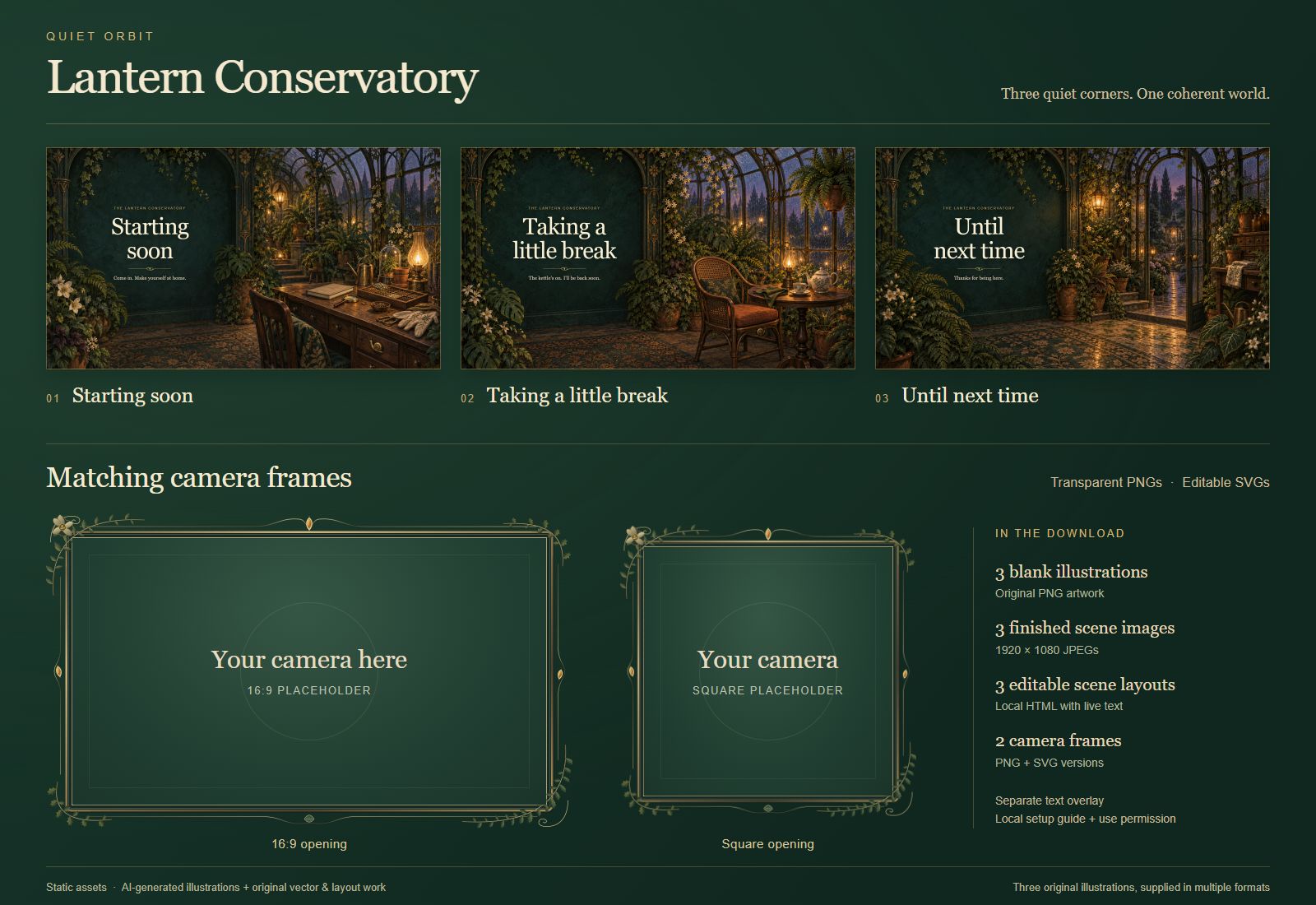
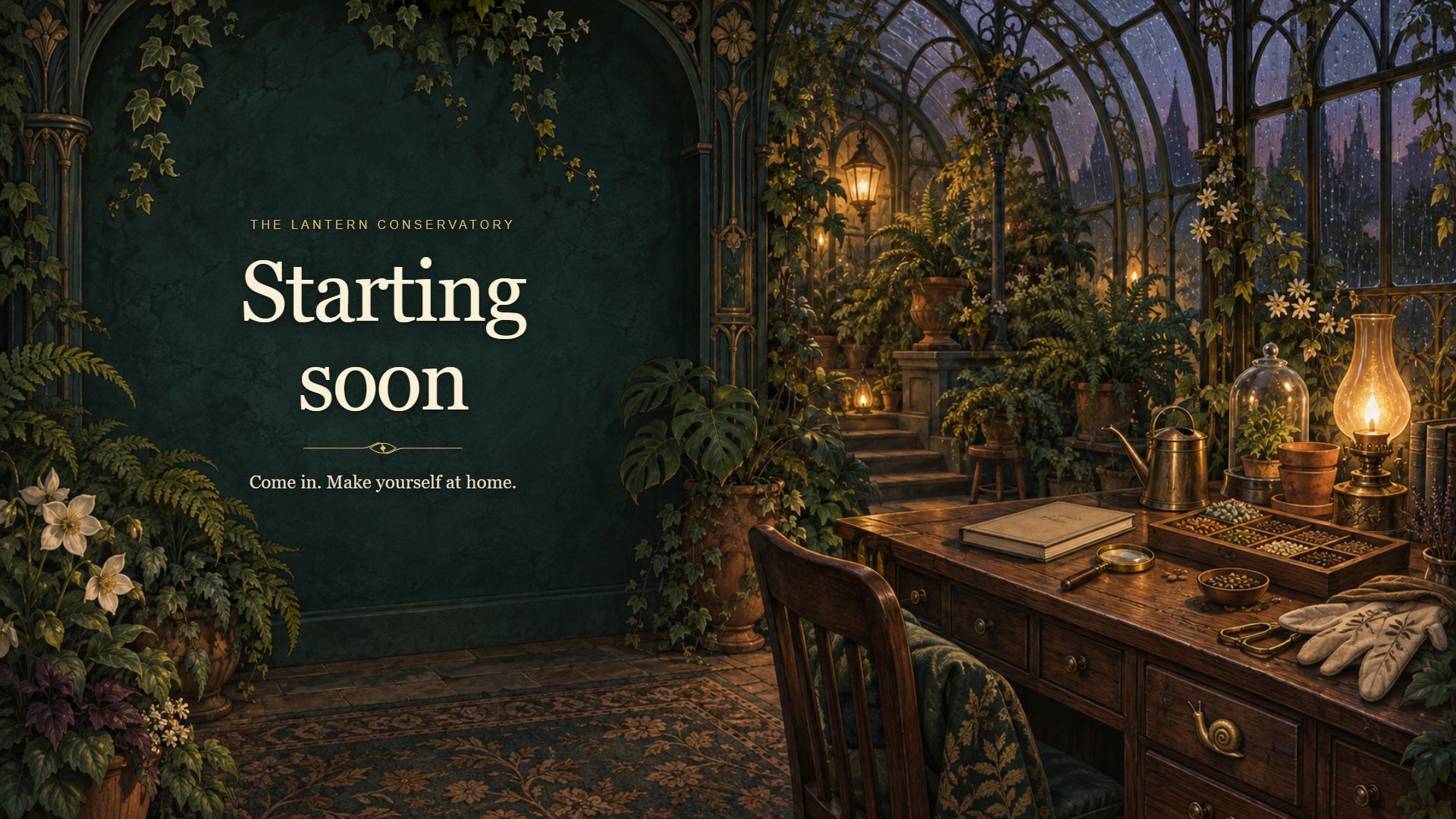
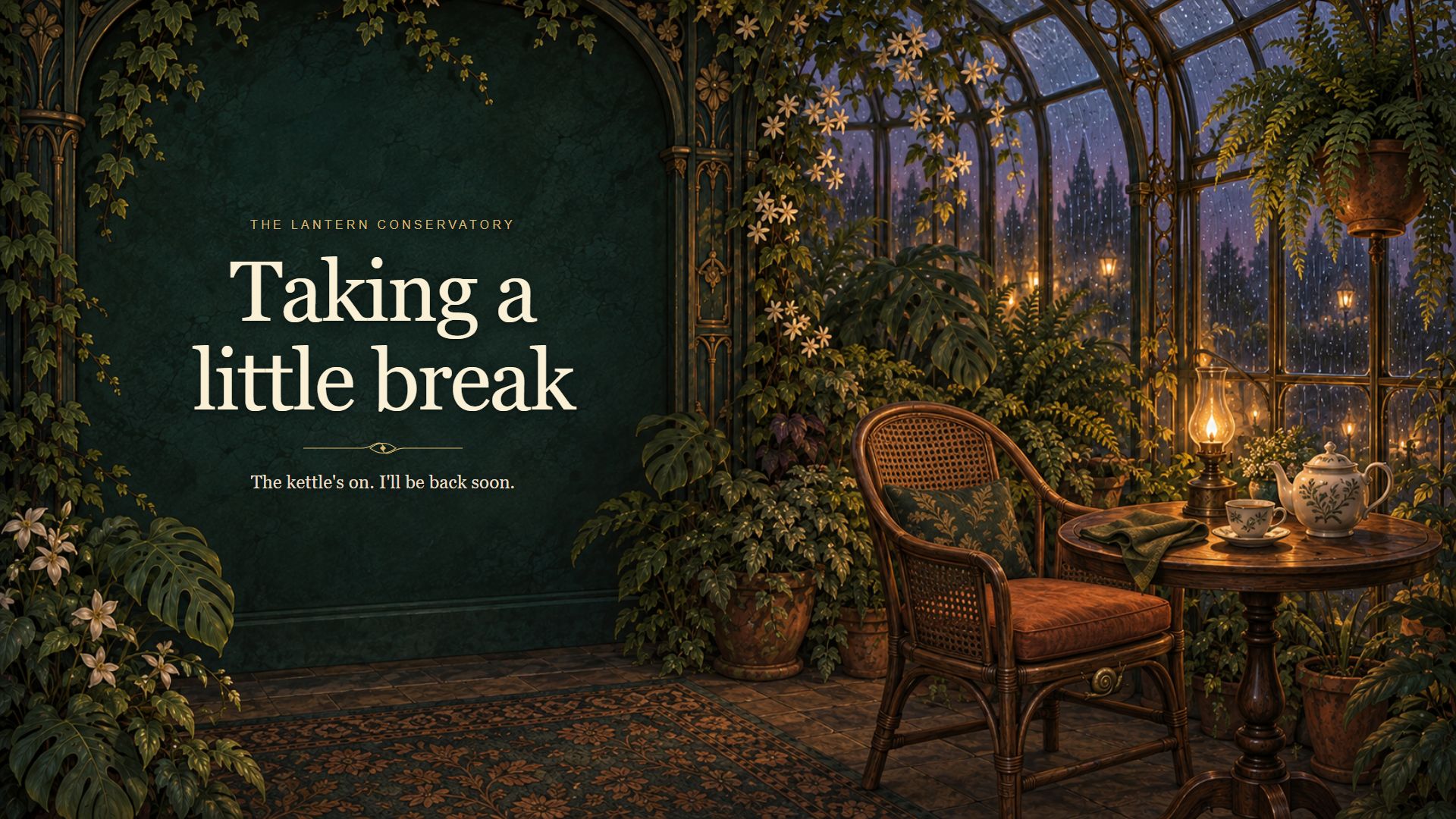
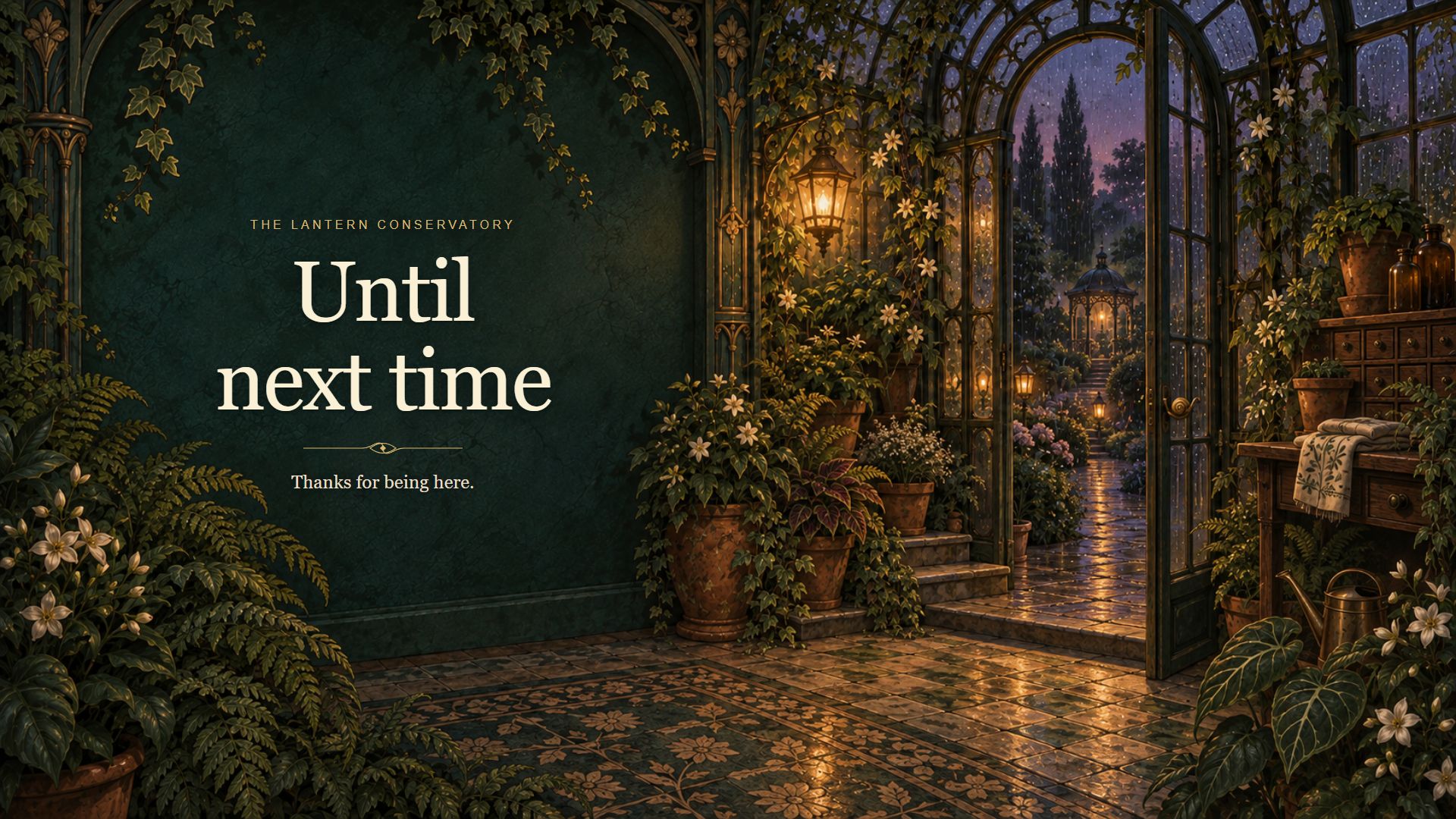
Lantern Conservatory brings rain-speckled glass, old brass, layered plants, and lamplight to a static stream setup. Three different illustrated compositions follow the evening from a seedkeeper's desk to a tea alcove and a quiet garden doorway.
Inside the free pack
- Three ready-to-use 1920 × 1080 JPEG screens: Starting soon, Taking a little break, and Until next time.
- The three text-free PNG illustrations, at their native 1672 × 941 resolution.
- Two botanical transparent PNG camera frames, with wide 16:9 and square openings, plus editable SVG sources.
- Three optional local HTML scenes with editable text, a separate transparent text overlay, an illustrated setup guide, a plain-text guide, and a use license.
The finished screens and blank backgrounds are versions of three illustrations, not six separate paintings. Finished layouts proportionately scale the native artwork. No animation, audio, alerts, bundled fonts, layered paintings, or automatic OBS scene import is included.
A simple place to start
Extract the entire ZIP, open START-HERE.html, and add a finished JPEG as an Image source in your streaming software. Fit it to your canvas and you're ready to use the supplied wording. For your own text, choose a blank painting or an optional editable HTML scene. The guide explains both routes and exact camera-frame alignment.
Use and verification
Personal and commercial finished broadcasts, recordings, and client output are permitted under the included license. Attribution is appreciated but not required. Please do not redistribute or resell the reusable files as a standalone pack.
AI disclosure: the illustrations were generated with AI tools and reviewed. Matching vector frames, HTML/CSS/JavaScript layouts, and instructions were created with AI assistance.
Preview version 0.1.1. Internal preview checks passed in OBS Studio 32.0.4 on Windows with a 1920 × 1080 canvas: images, PNG frames, all three local HTML scenes, text editing, refresh, and reload after restarting OBS. File and desktop-browser checks also passed. Live capture, recording, streaming, other OBS/platform versions, and independent-user installation have not been tested.
Tried the pack? An optional comment about which scene or frame you used and whether setup worked would help shape the next version.
Download
Install instructions
Extract the entire ZIP into a permanent folder, then open START-HERE.html for the illustrated guide. For the quickest setup, add a finished JPEG from rendered-scenes as an OBS Image source and fit it to your canvas. Optional editable HTML scenes use a Browser source with Local file enabled, Width 1920 and Height 1080. Keep all extracted folders together. PNG camera frames go above your camera source; exact opening sizes are in the guide. These are static assets; there is no installer.
Leave a comment
Log in with itch.io to leave a comment.